
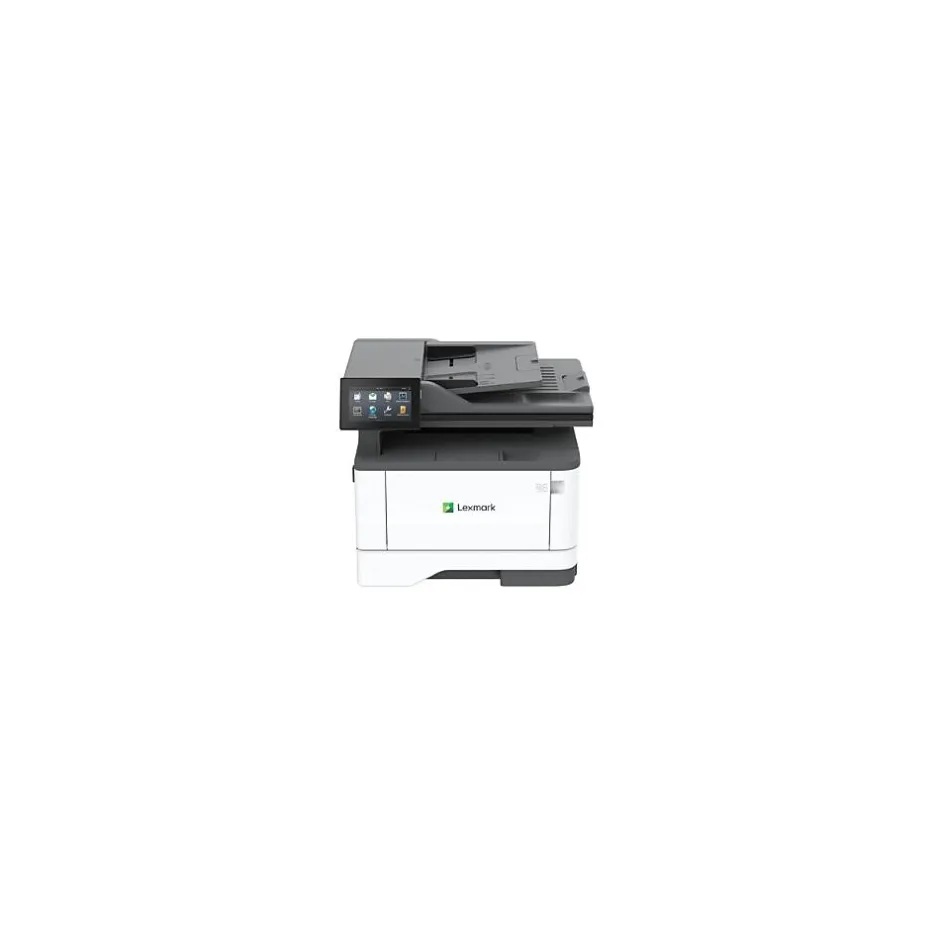
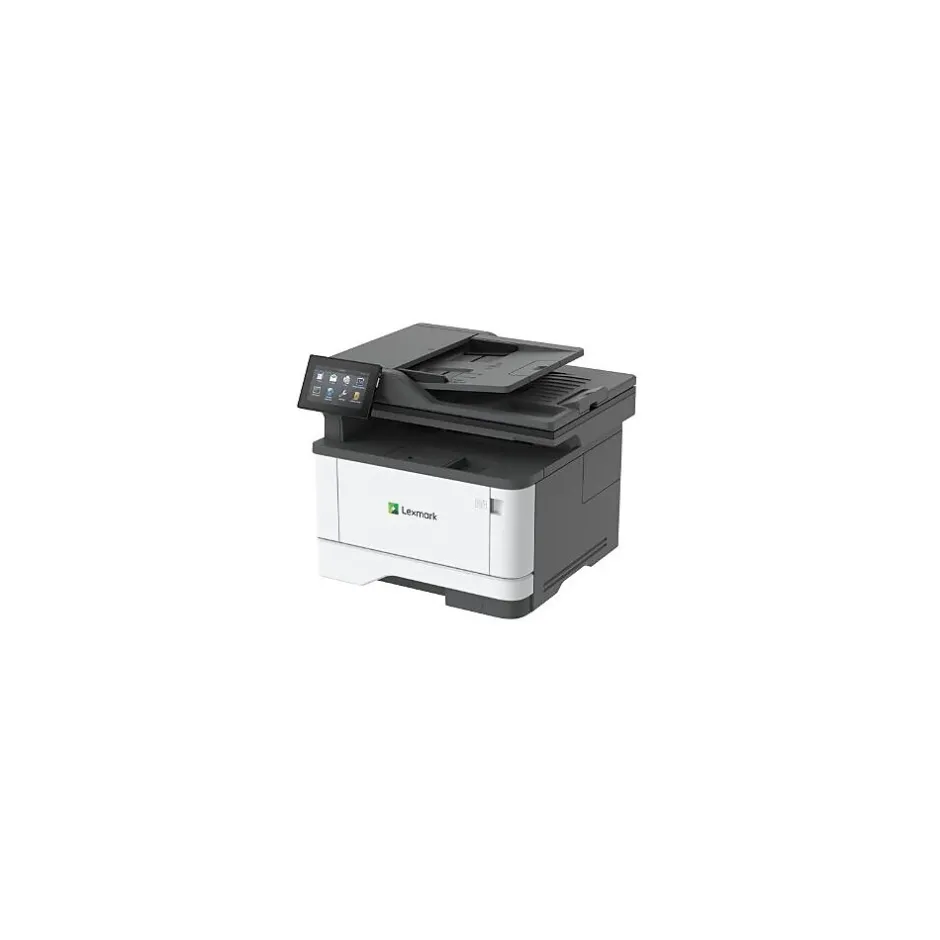
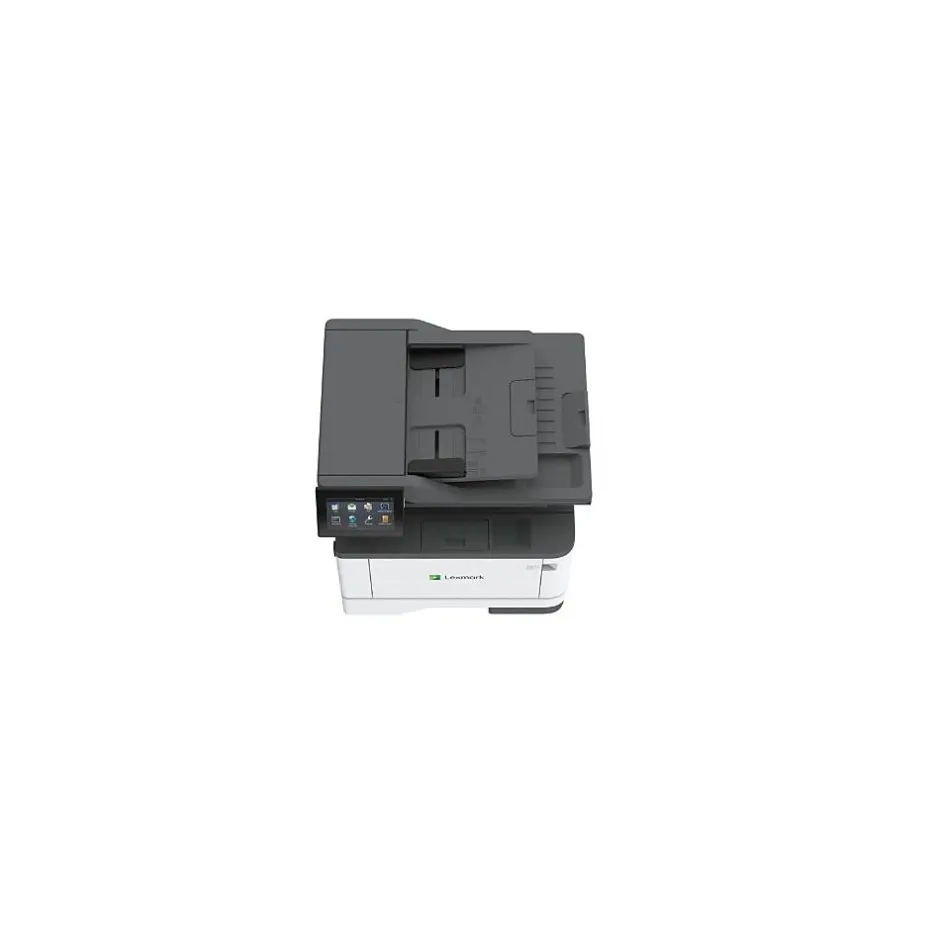
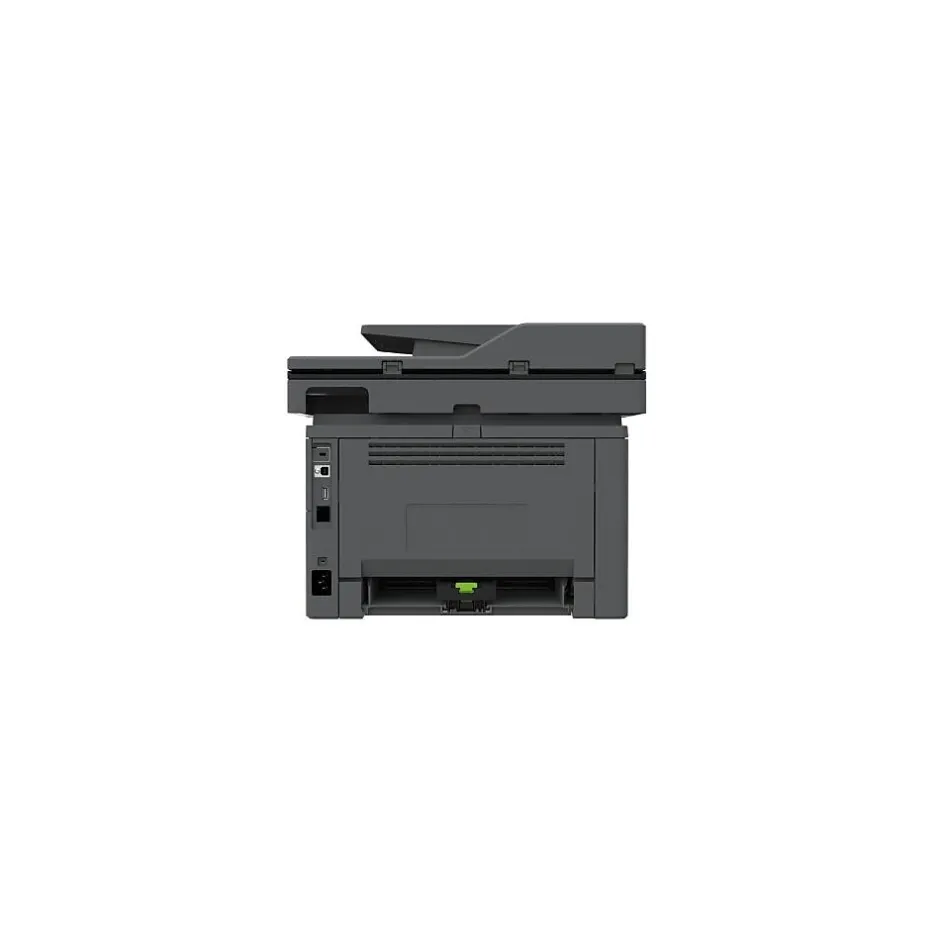
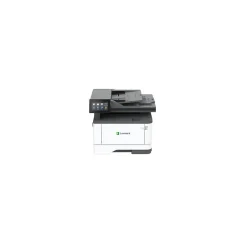
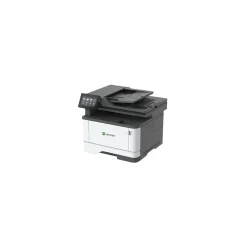
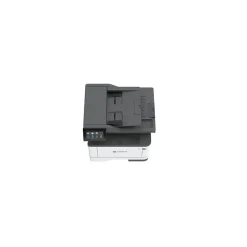


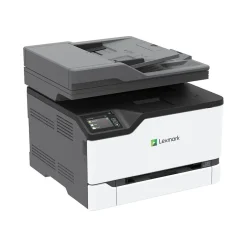
Black & White Printers<Lexmark MX432adwe Laser Printer, Print, Scan, Copy, Fax (29S8100)
$134.89
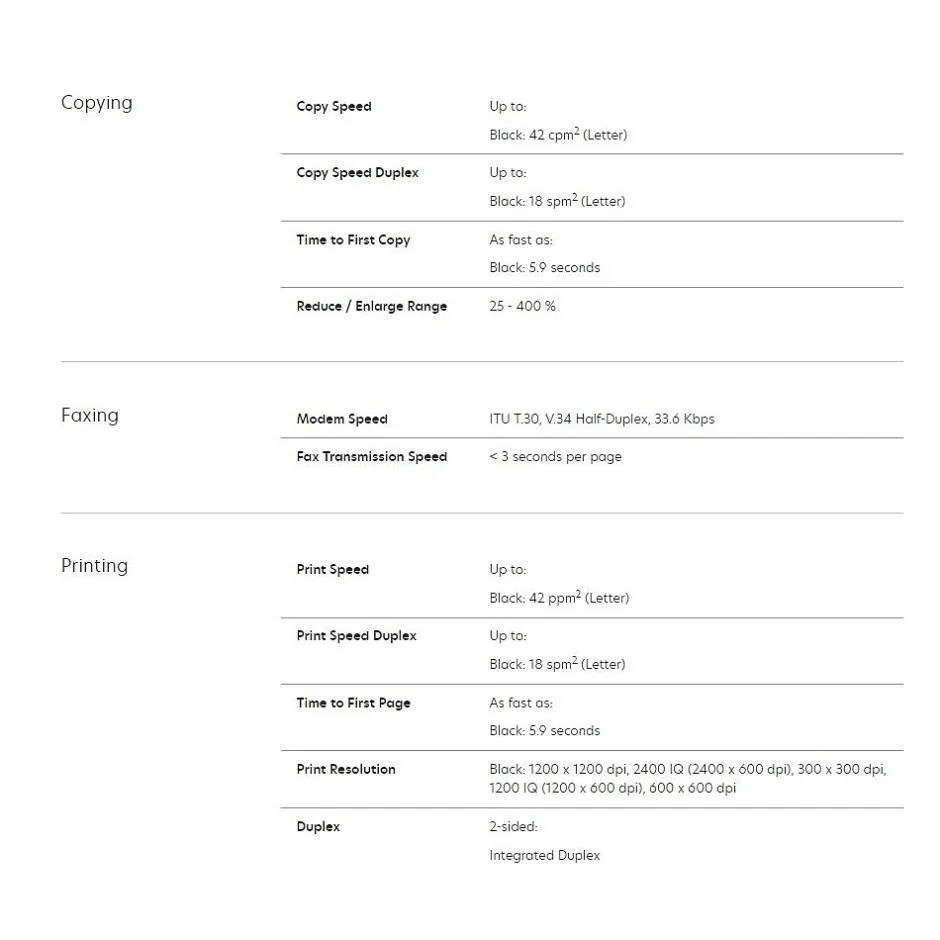
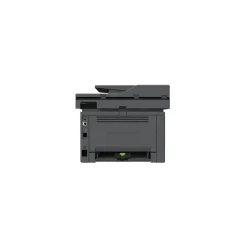
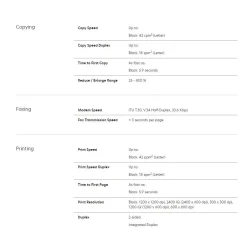
Maximum Print Speed (Black): 42 ppm; Print Resolution (Black) (Width x Height): 600 x 600 dpi; B&W or Color Output: B&W; Printing Type: Laser.
- With the embedded solutions framework on the MX432adwe, your customers can add Lexmark or other supported solutions, including third-party print release with badge reader. Use the included Scan Center to scan documents and route to multiple destinations simultaneously.
- Lexmark has a long history of designing products that help protect your data, your device, and your network. That’s why so many banks, governments and schools trust Lexmark security over all others in the industry.
- Among many security features, the MX432adwe includes a standard Trusted Platform Module that stores encryption keys on separate hardware from the data, along with authentication and system integrity checks. Cryptographic capabilities create a unique digital fingerprint.
- Compact size integrates seamlessly into tight spaces in your customers’ work environments. The MX432adwe provides security and solutions to meet the stringent requirements of different industries. And managed print services (MPS) capabilities make this a perfect addition to your printer fleet.
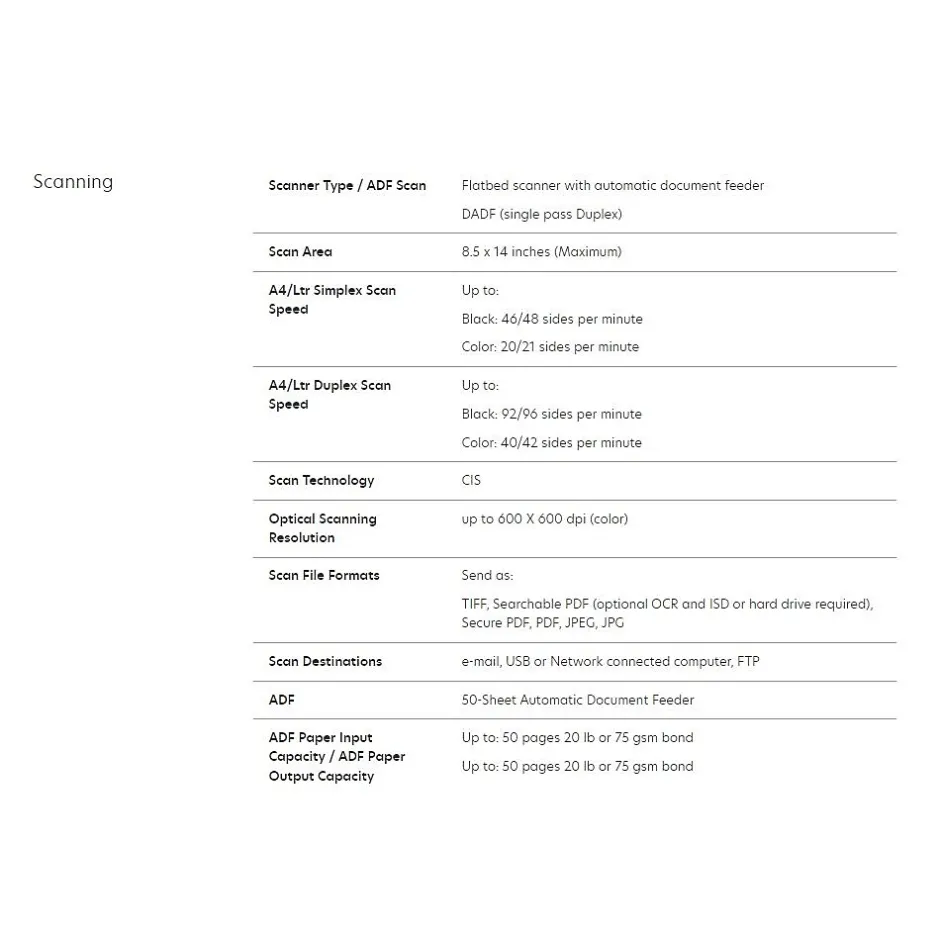
- Count on the high performance of the MX432 with fast print speeds up to 42 pages per minute and single-pass two-sided scan speeds of 96 ipm. Print from anywhere with standard Wi-Fi and full mobile support. Steel frames provide durability and long-life reliability from the front office to the warehouse.
- The MX432 is loaded with sensors that continuously monitor hundreds of data points that provide added benefits, like predictive service and automatic supplies replenishment, when connected to Lexmark Cloud Services. Plus, Lexmark Markvision Enterprise is a device management solution that makes it easy to configure device settings, update security policies, and schedule firmware updates.
- Automatic two-sided printing is standard, along with built-in energy-saving modes that help support ratings of EPEAT® Silver and ENERGY STAR® certified. Keep toner cartridges out of landfills with the Lexmark Cartridge Collection Program (LCCP) that supports reuse and recycling (availability varies by country).
- Longer print runs and wireless connectivity for small workgroups.
- Output up to 42 pages per minute with a first page as fast as 5.9 seconds.
- Lexmarks full-spectrum security architecture helps keep your information safein the document, on the device, over the network, and everywhere in between.
- Automatic two-sided printing is standard, along with built-in energy-saving modes that help support ratings of EPEAT Silver and ENERGY STAR certified.
- Tackle your printing workload with the power of a 1-GHz dual-core processor and 256 MB of memory.
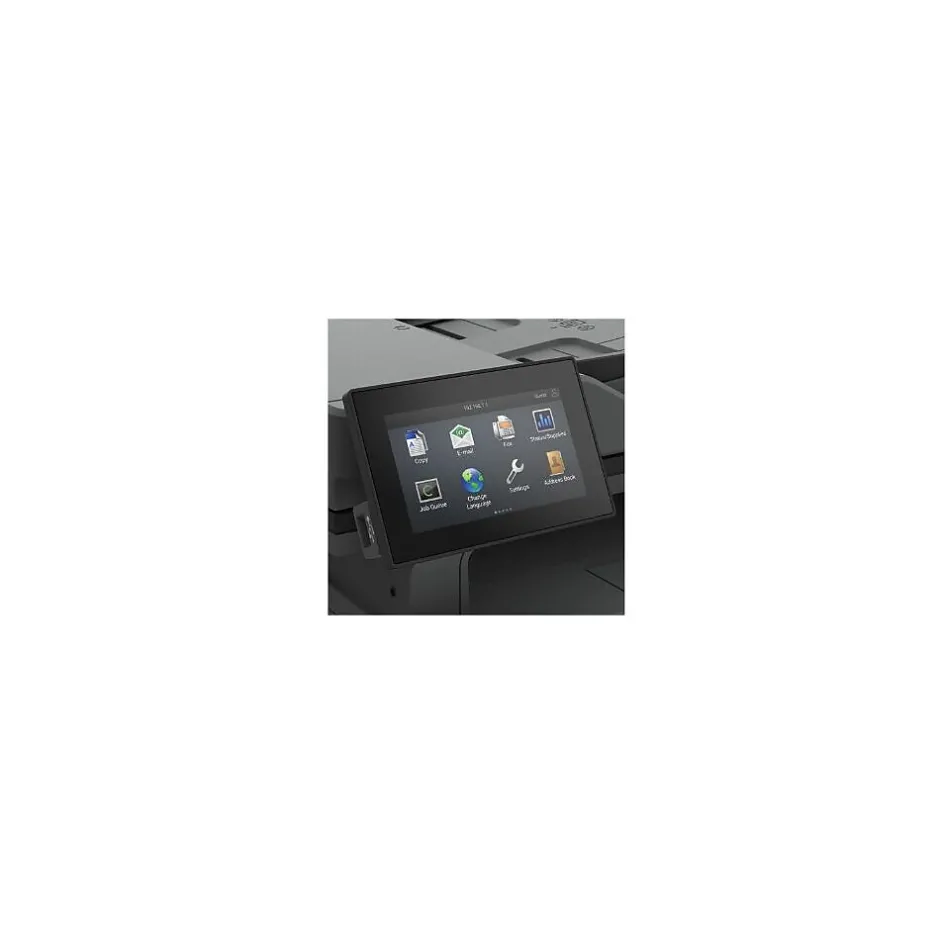
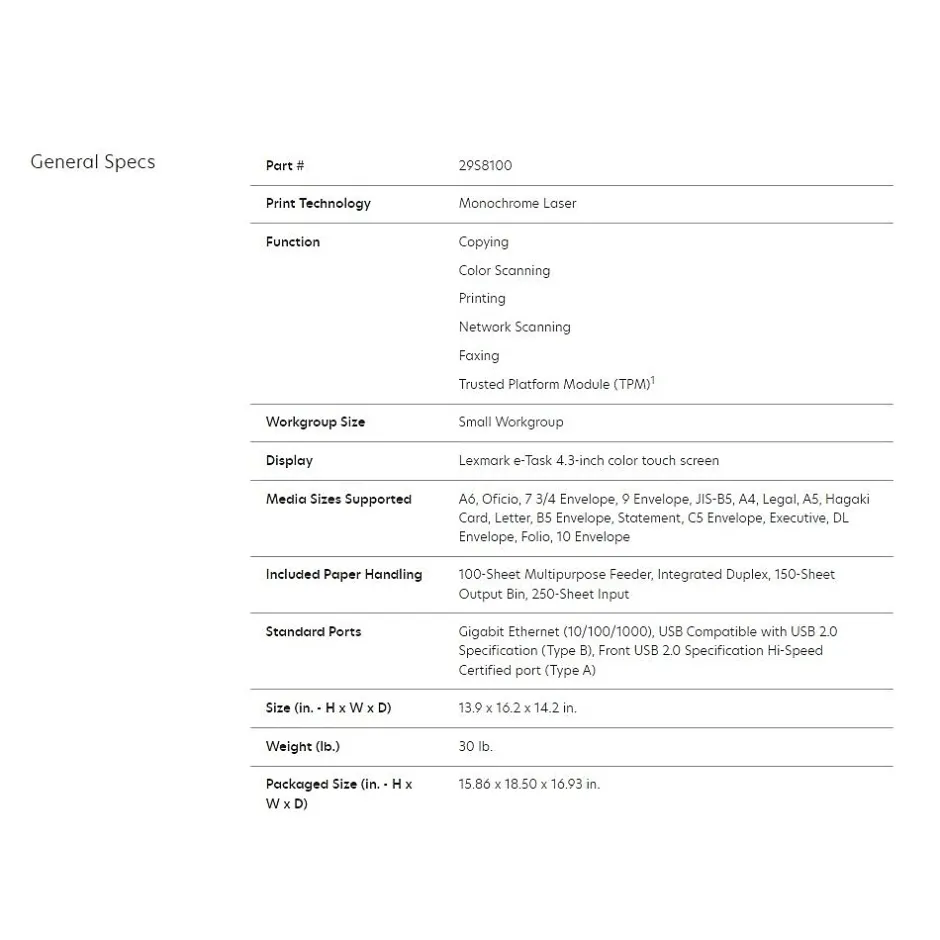
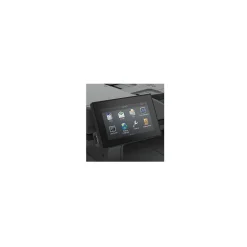
- Display:Lexmark e-Task 4.3-inch color touch screen
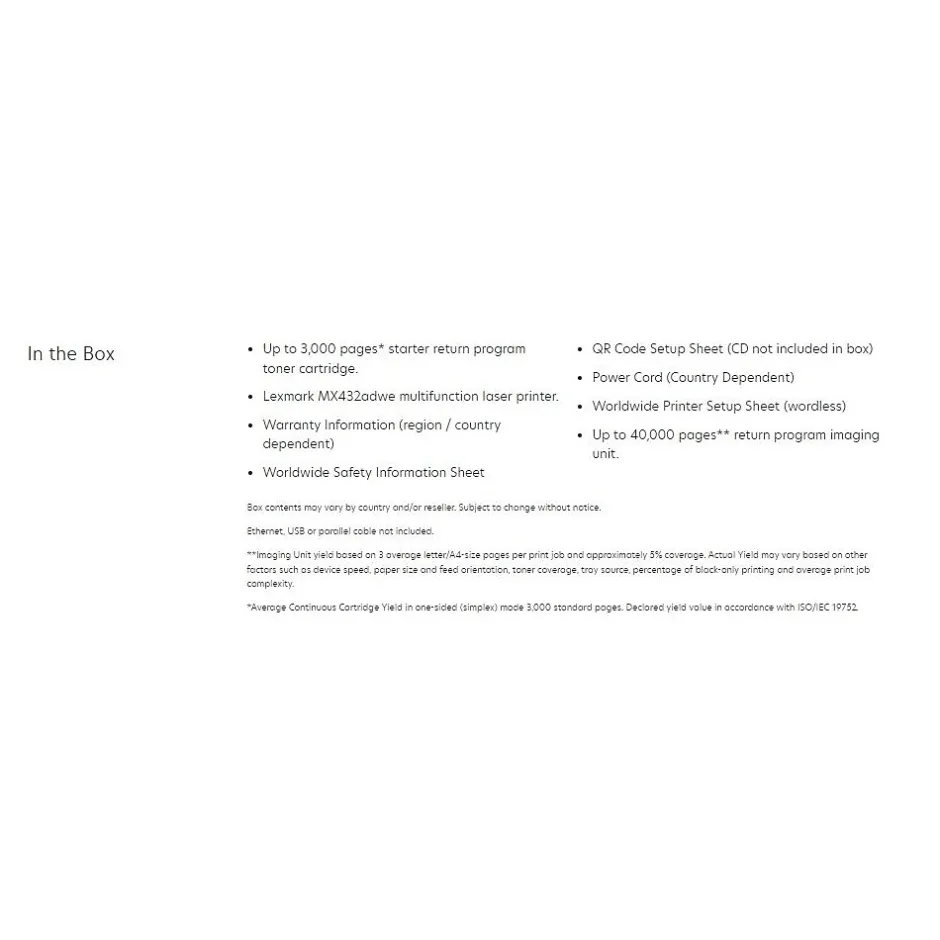
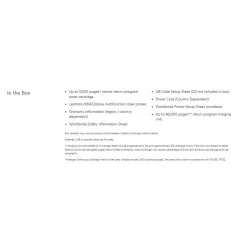
- Up to 3,000 pages starter return program toner cartridge.
- Recommended Monthly Page Volume: 800 – 8,000 page
- Manufacturer’s limited one-year warranty
- Energy Star Rated; EPEAT Silver
- Recommended Monthly Page Volume: 800 – 8,000 pages†
| Attribute name | Attribute value |
|---|---|
| *key specs | |
| Printer Condition Refers to whether or not a printer has built-in tanks for ink. This feature is specific to Tank printers and allows them to store high quantities of ink. Non-tank printers will be classified as “standard”. | Standard |
| Printer Use Printer Type specifies the printing technology. Inkjet printers use ink cartridges which output droplets of ink onto paper through the printhead nozzles. Laser printers use a laser beam to create an image onto a drum, which then transfers the image onto paper through powder toner cartridges. Dot Matrix printers use printheads made of pins which press ink-soaked ribbon onto paper to create images. Zero Ink printers utilize heat technology, not requiring an ink cartridge, toner or ribbon. | Laser |
| Series or Collection Refers to the primary function(s) of the printer: Instant Photo (specific to portable photo printers), Print only (also known as single function), Print, Scan, Copy (also known as all-in-one), or any combination of Print, Scan, Copy, and Fax. | Print, Scan, Copy, Fax |
| Printer Function Refers to the methods that can be used to print from the printer. For example, a USB and Wireless printer can be connected to either wirelessly or through a USB cord to print a document. | USB, Wireless, Network Ready |
| Network Ready Specifies if the printer’s output is either black and white (also referred to as monochrome), or color. | Black & White |
| print features | |
| Wide Format Compatibility Double sided printing (also known as duplexing) is a feature that allows printers to print on both sides of the paper. Can either be manual, meaning the user will need to refeed the page in order to print on the other side, or automatic, where the printer will do the work for you. | Automatic |
| additional details | |
| Number of Users Portable printers allow a user to print on-the-go. This means the printer can operate without being plugged in, using an internal battery. | Standard |
Be the first to review “Black & White Printers<Lexmark MX432adwe Laser Printer, Print, Scan, Copy, Fax (29S8100)”
Related products


All-In-One Printers
$136.99
Sale!
All-In-One Printers
Original price was: $349.00.$138.99Current price is: $138.99.
Sale!
All-In-One Printers
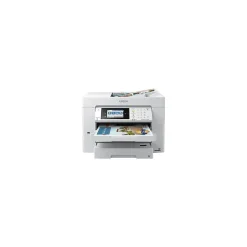
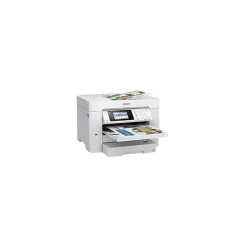
All-In-One Printers<Epson WorkForce EC-C7000 All-in-One Printer C11CH67202
Original price was: $229.00.$124.99Current price is: $124.99.
Sale!

Original price was: $651.00.$130.99Current price is: $130.99.
Sale!
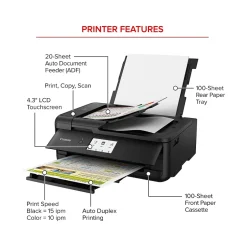
Printers
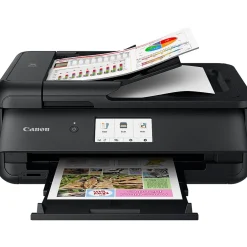
Wireless Printers<Canon PIXMA TS9520a Inkjet Printer, All-in-One, Print, Scan, Copy (2988C032)
Original price was: $179.00.$116.89Current price is: $116.89.
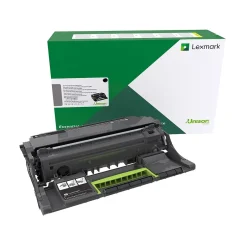
Printer Imaging Kits
Printer Imaging Kits<Lexmark 56F0Z00 Black Return Program Imaging Unit
$51.99
Sale!
Original price was: $659.00.$122.89Current price is: $122.89.
Sale!
Original price was: $415.00.$130.99Current price is: $130.99.
Sale!

Printers
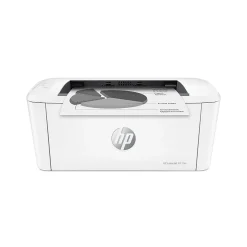
Wireless Printers<HP LaserJet M110w Wireless Black & White Printer, Best for Home Office (7MD66F)
Original price was: $99.00.$66.89Current price is: $66.89.
Sale!
All-In-One Printers
Original price was: $329.00.$132.89Current price is: $132.89.
Sale!
Laser Printers
Original price was: $879.00.$138.99Current price is: $138.99.
Sale!
All-In-One Printers
Original price was: $421.00.$124.99Current price is: $124.99.

Reviews
There are no reviews yet.