
Color Printers<Brother Sublimation Printer (SP1)
$138.99
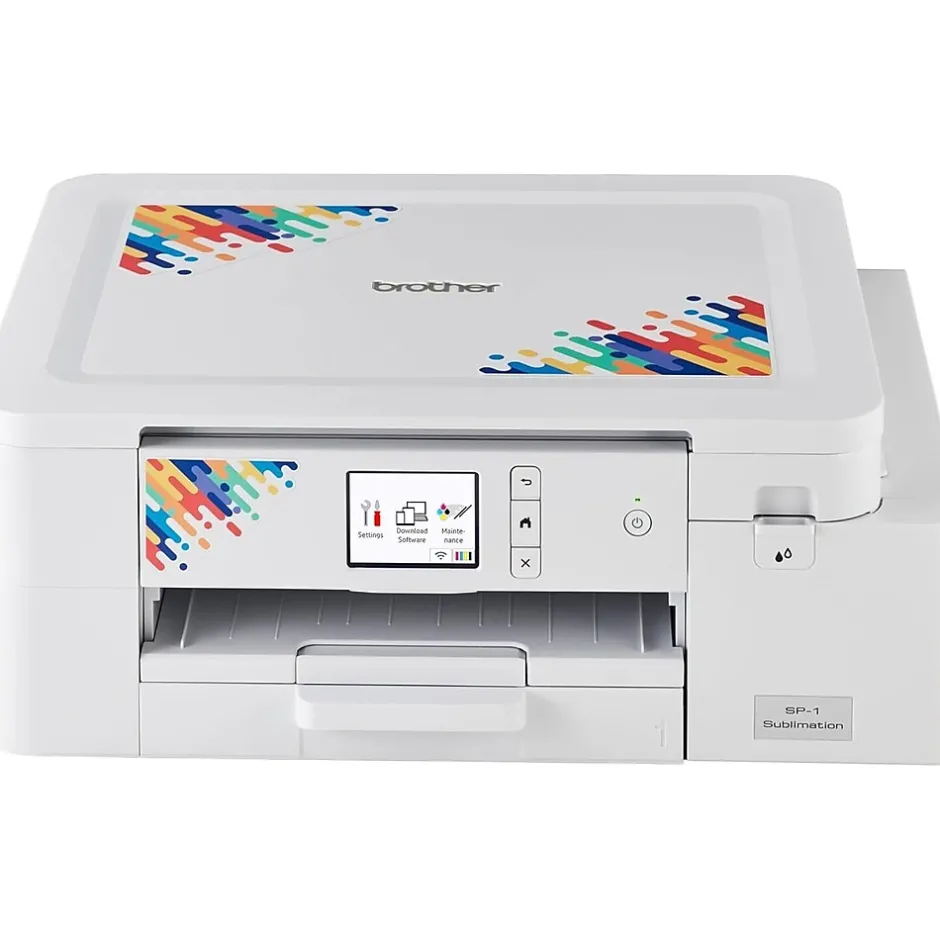
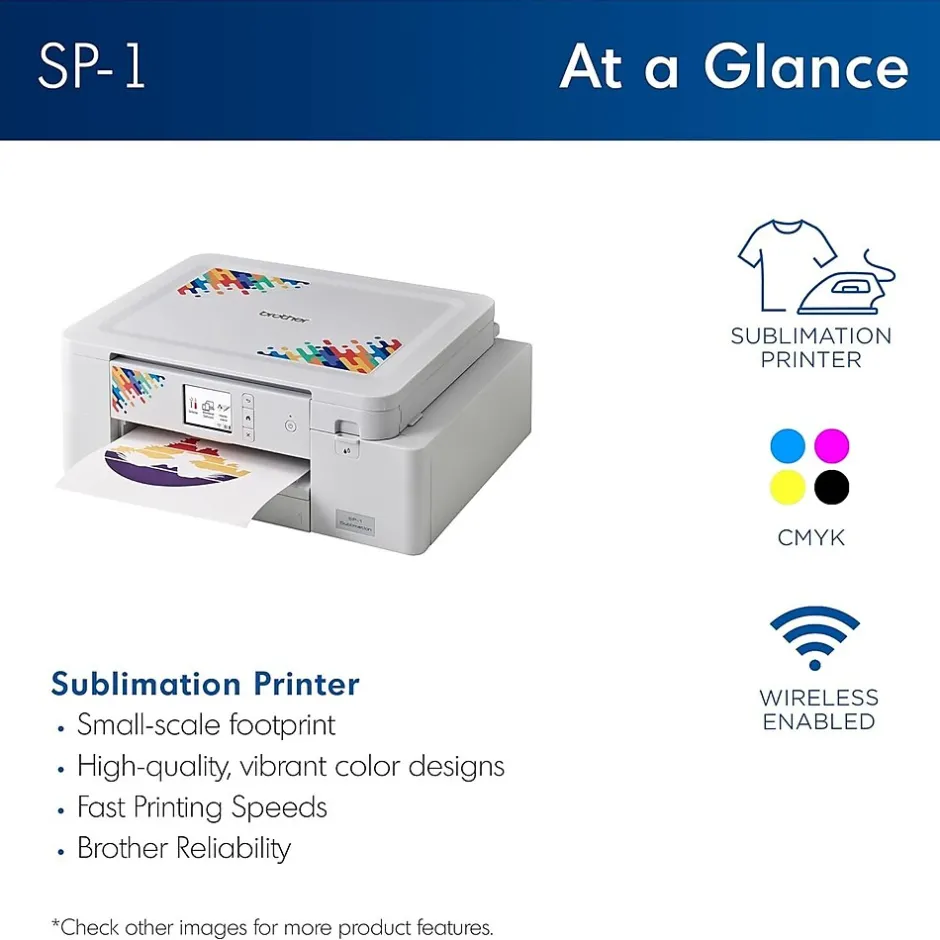
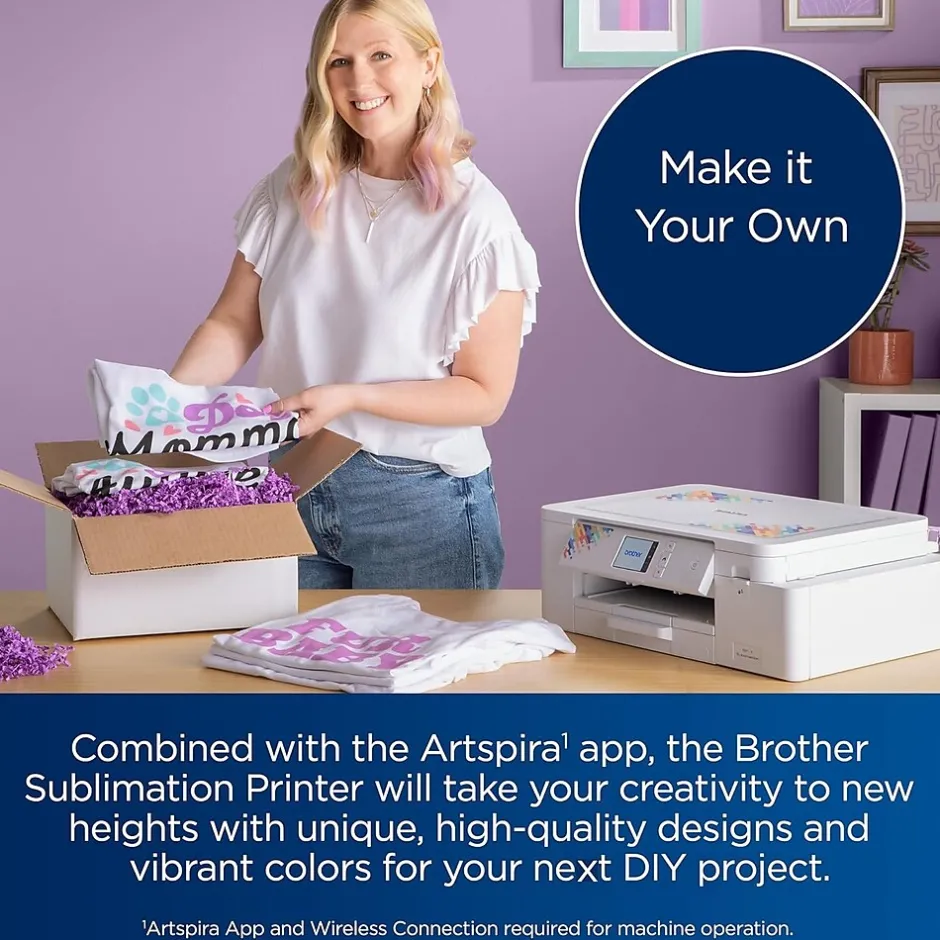
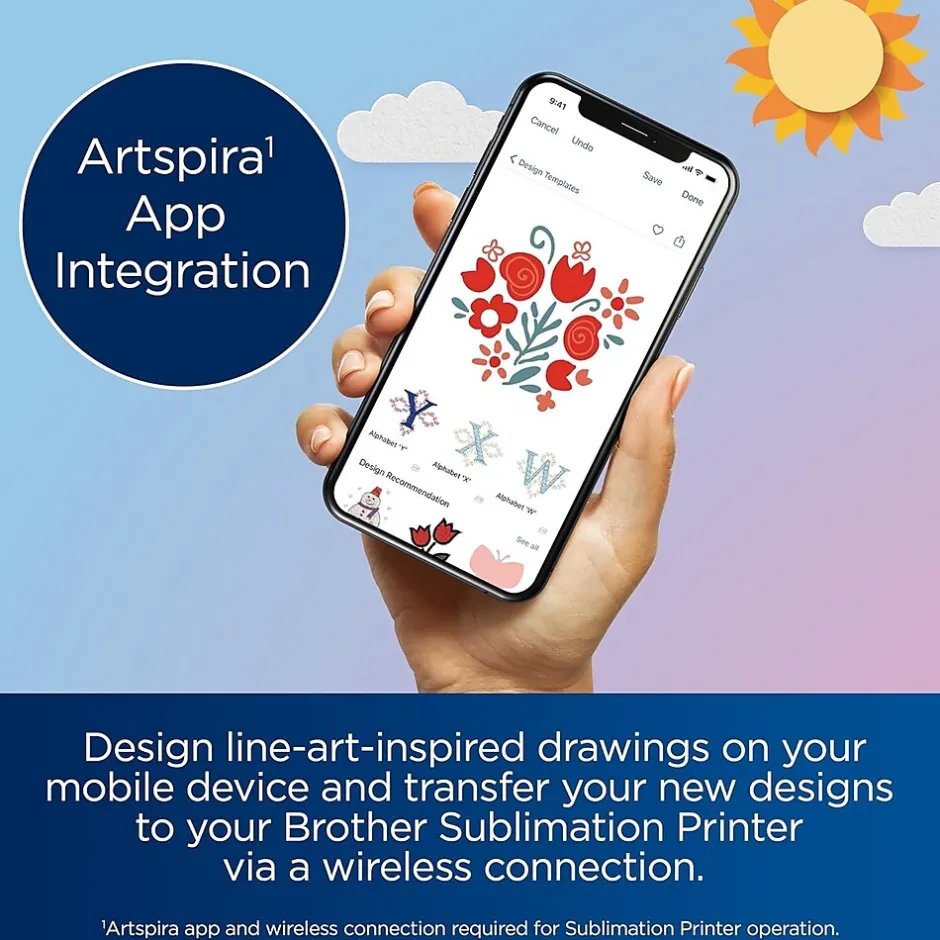
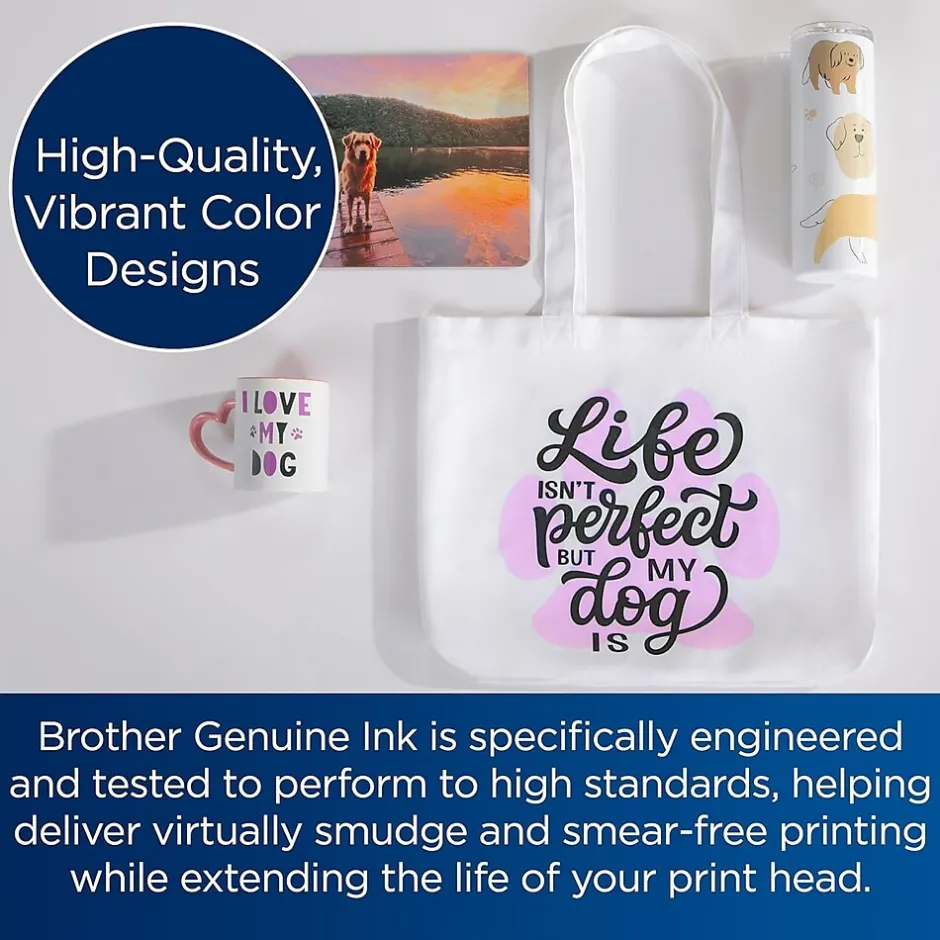
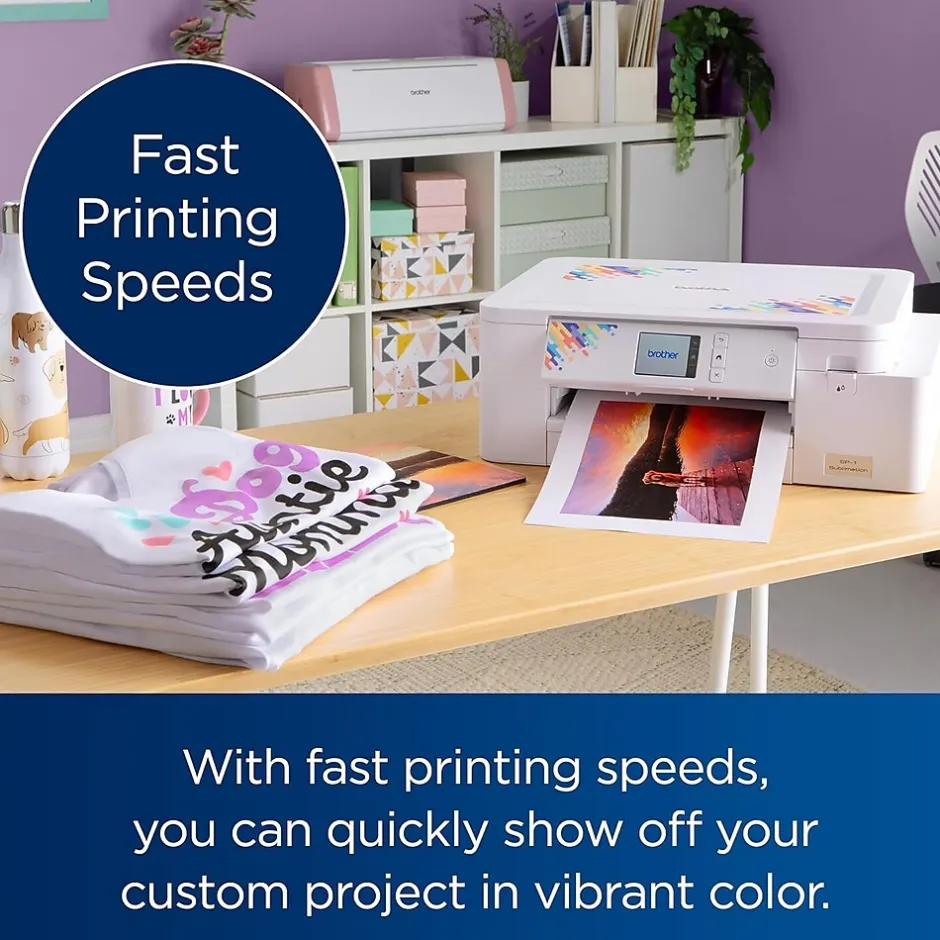
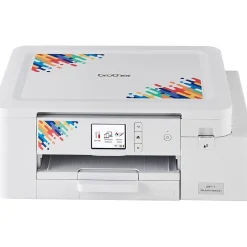
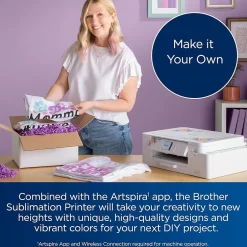
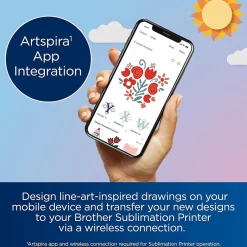
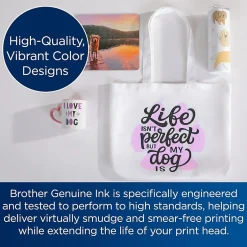
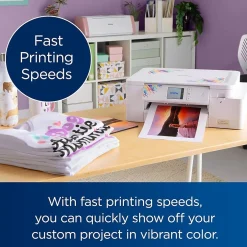
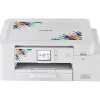
The Brother Sublimation Printer is ideal for any maker, artist, or designer as it allows you to create vibrant color projects such as tee shirts, tote bags, ceramic mugs, metal tumblers, coasters and more using Artspira, Brother’s editing and design app. Once you design in Artspira, you can quickly transfer your creations to your Brother Sublimation Printer and print high-quality, vibrant color designs.
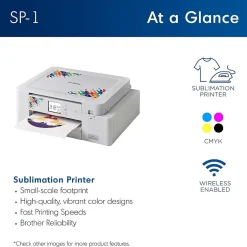
- Combined with the Artspira app, this printer will take your creativity to new heights
- Create unique, high-quality designs with vibrant colors for your next DIY project
- Edit designs on your mobile device and transfer them to your Sublimation Printer
- Includes a full-size set of Brother Genuine ink cartridges and 10 sheets of sublimation paper to get you started
- Convenient small-scale footprint (17.1” x 13.5” x 6.2”)
| Attribute name | Attribute value |
|---|---|
| *key specs | |
| Types of Display Indicates if the printer is new or refurbished. Refurbished printers are recycled printers with brand new parts. | New |
| Supertank Printer Type specifies the printing technology. Inkjet printers use ink cartridges which output droplets of ink onto paper through the printhead nozzles. Laser printers use a laser beam to create an image onto a drum, which then transfers the image onto paper through powder toner cartridges. Dot Matrix printers use printheads made of pins which press ink-soaked ribbon onto paper to create images. Zero Ink printers utilize heat technology, not requiring an ink cartridge, toner or ribbon. | Inkjet |
| Display Screen Size (Inches) Refers to the primary capabilities of the printer in an abbreviated form. Can be either all-in-one (Print, Scan, Copy) with fax potentially included, or single function (Print Only). | Single-Function |
| Printer Use Refers to the primary function(s) of the printer: Instant Photo (specific to portable photo printers), Print only (also known as single function), Print, Scan, Copy (also known as all-in-one), or any combination of Print, Scan, Copy, and Fax. | |
| Touch Screen Display A wireless ready printer (or Wi-Fi printer) uses a wireless internet connection to receive information from a computer or other device. A wired printer requires a cable for a direct connection to a computer or network. | Wireless |
| Media Types Supported Refers to the methods that can be used to print from the printer. For example, a USB and Wireless printer can be connected to either wirelessly or through a USB cord to print a document. | USB, Wireless, Network Ready |
| Mobile Device Printing Refers to a device’s capability to connect to Wi-Fi networks, either wirelessly or though an ethernet cable. | Yes |
| copy, scan, fax features | |
| Scanner Resolution The overall depth of the product, measured front to back. | 13.5 |
| Width in Inches The overall height of the product, measured top to bottom. | 6.2 |
| Weight (lbs.) Indicates the number of printed pages the printer output tray can hold. | 20 |
| Output Type | 1 |
| Paper Input Capacity An automatic document feeder (ADF) is a mechanism that feeds multiple sheets of paper into a device in a single operation. | No |
| Supported Paper Sizes | 8.5″ x 14″ Legal |
| print features | |
| Photo Capable Double sided printing (also known as duplexing) is a feature that allows printers to print on both sides of the paper. Can either be manual, meaning the user will need to refeed the page in order to print on the other side, or automatic, where the printer will do the work for you. | Manual |
| Color Print Speed Indicates whether machine supports printing on media with widths between 18 and 100 inches. | No |
| Monthly Printer Volume Max print resolution, measured in dots per inch (dpi), refers to the maximum amount of detail in a printed image. The higher the resolution, the higher the quality and sharpness of the image. | 2400 DPI |
| Black & White Print Speed The range of humidity levels, typically expressed in percentages, within which the product can function properly without performance issues. | 20-80% |
| Printer Memory Portable printers allow a user to print on-the-go. This means the printer can operate without being plugged in, using an internal battery. | Standard |
Be the first to review “Color Printers<Brother Sublimation Printer (SP1)”
Related products
All-In-One Printers
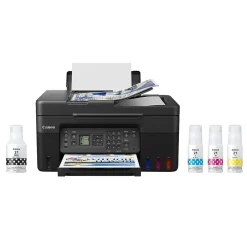
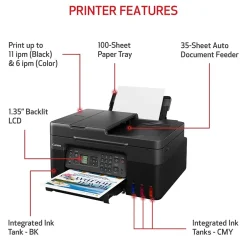
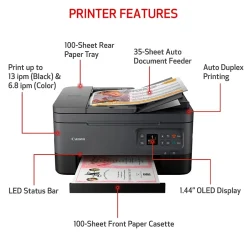
All-In-One Printers<Canon MegaTank PIXMA G4270 Wireless Color All-in-One Inkjet Printer (5807C002)



All-In-One Printers
All-In-One Printers
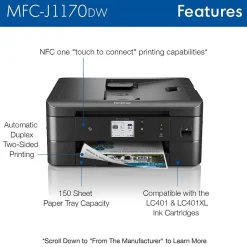
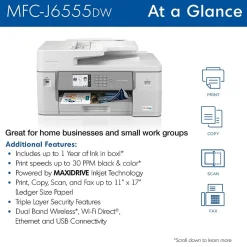
All-In-One Printers
All-In-One Printers
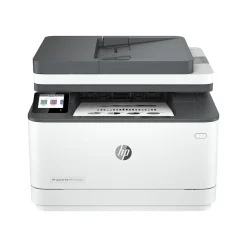
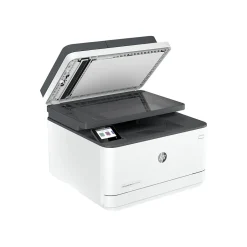
All-In-One Printers<HP LaserJet Pro MFP 3101fdw All-in-One Printer 3G628F#BGJ
All-In-One Printers
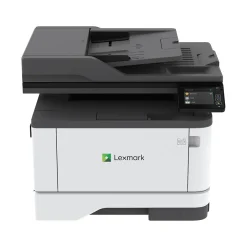
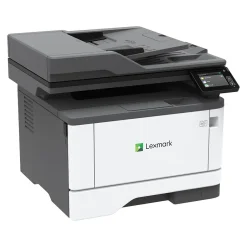
All-In-One Printers<Lexmark MX431adw 29S0500 Black & White Laser All-In-One Printer
All-In-One Printers
All-In-One Printers
Reviews
There are no reviews yet.